Steps to download songs from AfghanMusik website
First, visit the website at www.afghanmusik.com. Once you're on the homepage, browse through the available artists and select the singer you'd like to explore.
For this example, we’ll choose Nasrat Parsa. Simply click on his name to proceed.
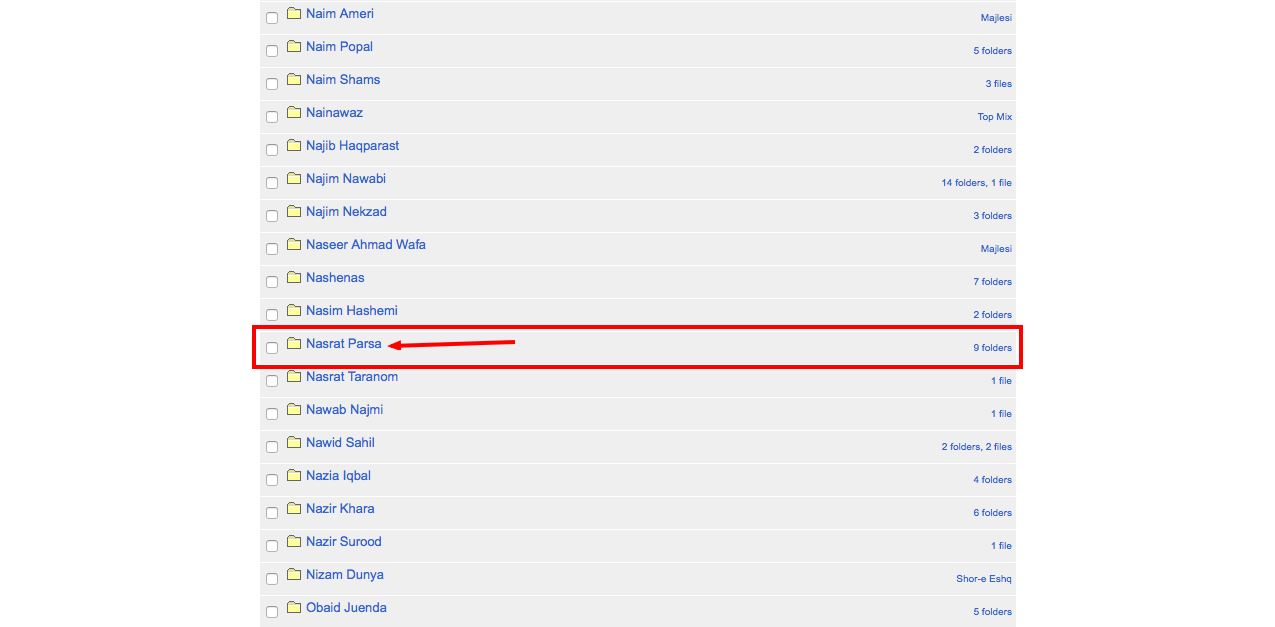
Next, the website will display a list of all available albums by the selected artist. From this list, choose the album titled "Naaz" to continue.

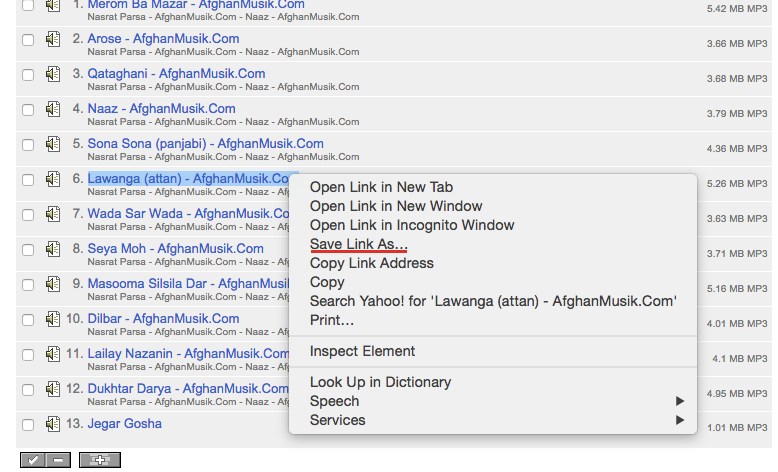
Once you select the album, the website will show all the songs included in that album. Browse through the list and choose the song you want to download. For this example, we will select the song "Lawanaga (Attan)".
Chrome & Firefox Browser Users:
Right-click on the song link and select the option "Save Link As". Choose the location where you'd like to save the file on your device, then click "Save" to begin the download.
Safari Browser:
Right-click on the song link and select the option "Download Linked File". Then, choose the destination folder where you want to save the file and click "Save" to start the download.